Looking Forward Some applications have their own unique preference settings. One of these is iBooks. Flipping pages in iBooks is easy. You tap the left margin to go back a page or tap the right margin to go forward a […]
David Chan, Google Certified Teacher, recently described his experience with Google Docs on the iPad. He addresses composing, revising and viewing Google Docs files, including documents, spreadsheets and presentations. More here.
Passing the Bar In Safari on your Mac you probably make use of the Bookmarks Bar for quick access to your favorite web links. How do you see this same Bookmarks Bar on Safari on the iPad? Settings > Safari […]
Things That Go Ding in the Night You’ll get a notification chime when mail arrives. When your iPad is on a network (Wi-Fi or cellular), this chime can sound whenever new mail arrives, even in the middle of the night. […]
Just For You Here’s another setting that can help you process your mail more quickly. Set Show To/Cc Label to “On.” This will add indicators before each message in your inbox. When you see “To” you know the message was […]
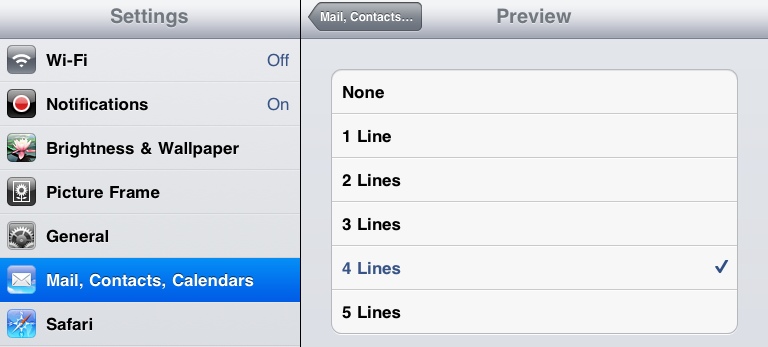
Choose Longer Lines You can set Mail to preview more than the default two lines of each message. Being able to preview more lines for each message can help you to decide whether to open the message or not. Go […]