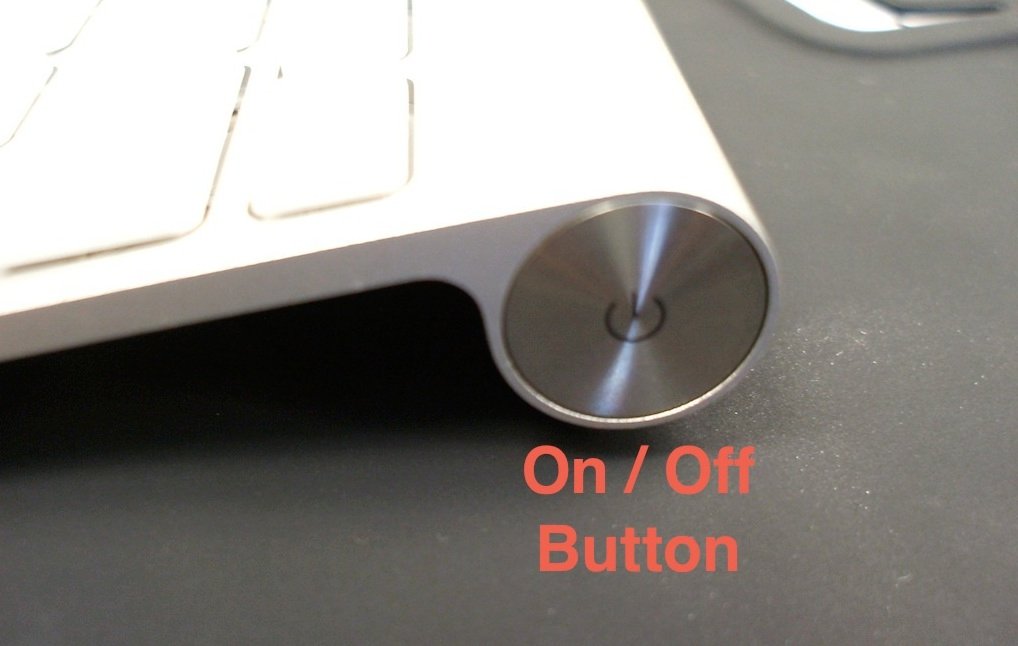
Get Physical and Virtual Don’t like typing on the iPad’s virtual (soft) keyboard or just prefer a true keyboard? The Apple Wireless Keyboard works well with the iPad, as do many other Bluetooth keyboards. When you have a Bluetooth keyboard […]
Seizing and Freezing iPads rarely freeze up. But occasional malfunctions or misbehaving apps can render your iPad catatonic. Here are three methods to get things going again. Try them in this order. 1. Force quit the app. Press and hold […]
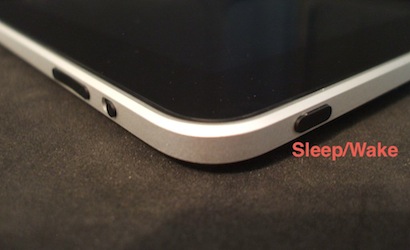
You can take a snapshot of any screen on your iPad by pressing the Home button and the Sleep/Wake button at the same time. You’ll see a white flash on the screen, confirming the picture was taken. The screenshot is […]
Volume Times Two: Calm down. This is not a quiz to see how much geometry you remember. This is about your iPad remembering. Your iPad will retain two different volume settings – one for a connected headset and one for […]
This time-saving feature first appeared on the iPhone and iPod touch, but also works on the iPad. The iPad’s large screen makes viewing long web pages a joy. When you’re near the bottom though, there’s all that swiping (scrolling) to […]
In an earlier post, I described how you can create a Web Clip for a Safari webpage to add it to your Home screen. Here’s a quick review: Create a web clip to add it to your home page. A […]