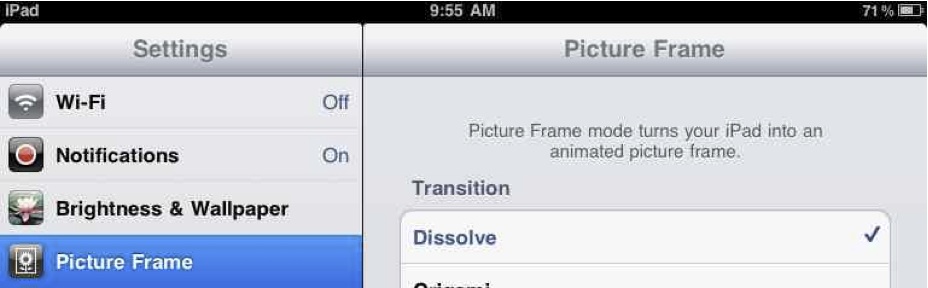
A Blooming Slideshow If you’ve saved any photos to your iPad, you will see an option on the unlock screen to start a slideshow. The symbol is a little framed flower (bottom right) that indicates “Picture Frame.” Your iPad is, […]
Been catching up on my reading. Here are a few more how-to articles to help you with your iPad. Macworld How to transfer files to and from an iPad Connect to the VPN at work from your iPad NY Times […]
The Wandering Academic just posted a helpful guide to using an iPad, GoodReader, Dropbox and Jotform to offer feedback on digital documents. Though his method is intended for educators doing markup on student work, the tools and workflow he describes […]
Sam Gliksman’s iPads in Education Ning is one of the best sites on the web for thoughtful commentary and discussion on using the iPad for teaching and learning. On March 15, Sam wrote about a software package called Doceri and […]
Task Mastery Before iOS 4.2, the iPad had limited multitasking. You could start a song or podcast playback on your iPad, then switch to another app and the iPod audio kept playing in the background. That’s an example of multitasking. […]
Here’s another tutorial taken from my eBook iPad Academy: Tips, Tricks and Clever Techniques (TTCT). You’ll learn you how to arrange apps on your iPad screen, add more apps to the dock and why some apps can’t be deleted. Loading Dock With […]