
I’ve been catching up on my reading and found two informative articles I wanted to share. Walt Mossberg addresses In and Out Of Office: Putting iPads To Work 17 iOS 4.3 Features, Tips, and Tricks from Mac|Life
tutorial
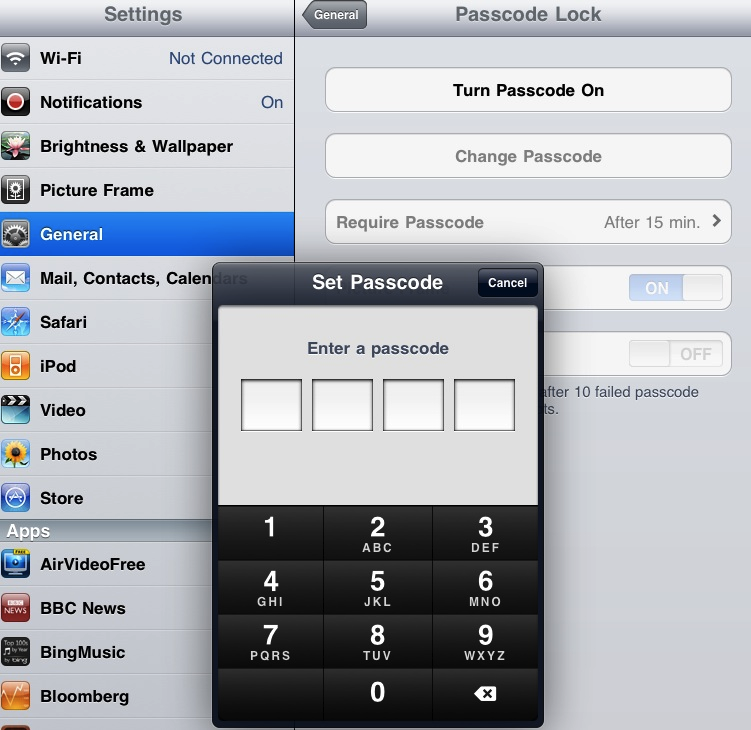
Protecting Your ‘Pad Starting up your iPad is easy. Just press the Home button and your iPad is ready to go in an instant. This quick access to the Home screen and your apps is one of the best features […]
iPad Tutorial – How to Set a Passcode Lock to ...

Task Mastery Before iOS 4.2, the iPad had limited multitasking. You could start a song or podcast playback on your iPad, then switch to another app and the iPod audio kept playing in the background. That’s an example of multitasking. […]
iPad Tutorial: Multitasking or How to Use Fast App Switching ...
This brief video tutorial is part of the preparation for the first in my series of hands-on workshops on the iPad, called iPad Academy: Managing and Mastering Your iPad.
iPad Video Tutorial: How to Find the iOS Version and ...
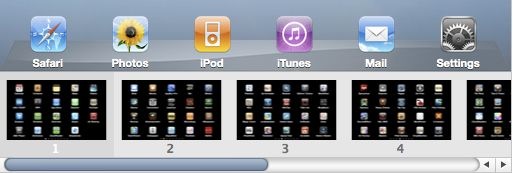
A few posts back, I wrote about arranging apps on your iPad. Here’s more on managing apps and creating app folders for your iPad, taken from the 2nd edition of my guide to the iPad. Arranging Apps in iTunes Need […]
iPad Tutorial – How to Arrange Apps, Create Folders & ...

The Evolution of iPad Academy The month after Apple released the iPad, I started iPad Academy as a simple blog hosted on Posterous. I decided from the start that iPad Academy wouldn’t be some rambling personal journal, full of commentary […]