
Choose Longer Lines
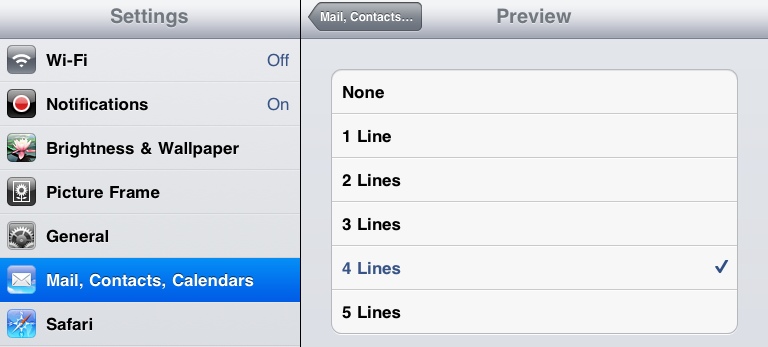
You can set Mail to preview more than the default two lines of each message. Being able to preview more lines for each message can help you to decide whether to open the message or not. Go to Settings > Mail, Contacts and Calendars. Select Preview and increase the number of lines viewed. Note that increasing the number of preview lines means you’ll see fewer messages in the list. So better previews means a little more scrolling.
Excerpt from my eBook iPad Academy: Tips, Tricks and Clever Techniques